Connections & Reroutes
A graph is a directed acyclic graph: nodes produce data, connections carry it downstream. A few rules govern every wire:
- An input may be required or optional. A node with a required input produces nothing until that input is connected.
- Inputs take one wire. Connecting into an occupied input replaces the wire that fed it.
- Outputs fan out. One output can feed any number of inputs.
- Cycles are rejected at connection time. A wire that would feed a node’s output back into its own ancestry cannot be made.
Making connections
Section titled “Making connections”Drag from a port socket to another socket to connect. Connections can be drawn in either direction. Dragging from an already-connected input grabs the existing wire and re-anchors the drag to the upstream output.
While dragging, the nearest valid socket within 24 screen points is snapped to; illegal targets are skipped, and an exact type match beats a convertible one at the same distance. Socket hit targets are 30 points on desktop and Android and 45 points on iPad, where they clear the 44-point minimum touch target.
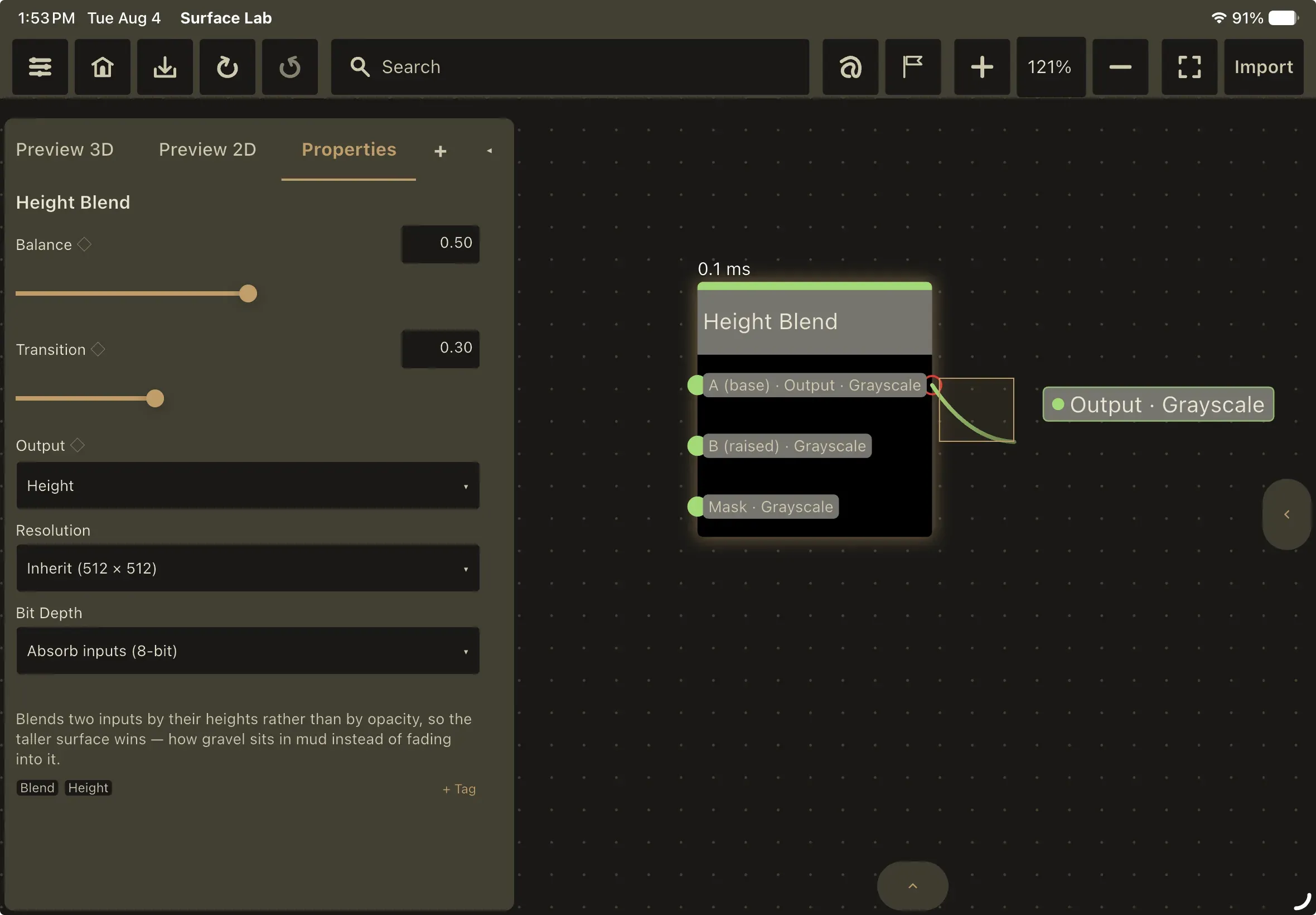
Type rules
Section titled “Type rules”Every port carries one kind of data, and type determines which connections are allowed. See Data types for the full treatment; in short:
- Texture is image data, in three variants: a generic type used by filters that preserve whatever they’re given, a grayscale texture for single-channel data such as height, roughness and masks, and a color texture for three-channel data such as base color and normals. The three are freely interchangeable; the distinction drives wire and port color only.
- Value is a number or a 2-, 3- or 4-component vector. All value types interconnect.
- Boolean is an on/off value; it connects only to boolean ports.
- Material is a whole map-set carried on a single wire. PBR Output, Trim Sheet and the Material node all have one; PBR Output and Trim Sheet also take one as an input. A material wire carries no texture of its own: the consumer resolves each channel through the node at the far end when it renders or exports.
- Custom is an unchecked type: it connects to anything and bypasses type validation. The Reroute node uses it, and so do a Trim Sheet’s four strip slots, which accept either a plain map or a whole material.
Textures and values are not interchangeable with each other. A mismatched connection is not blocked: the wire is drawn in red to flag a type mismatch you should review.
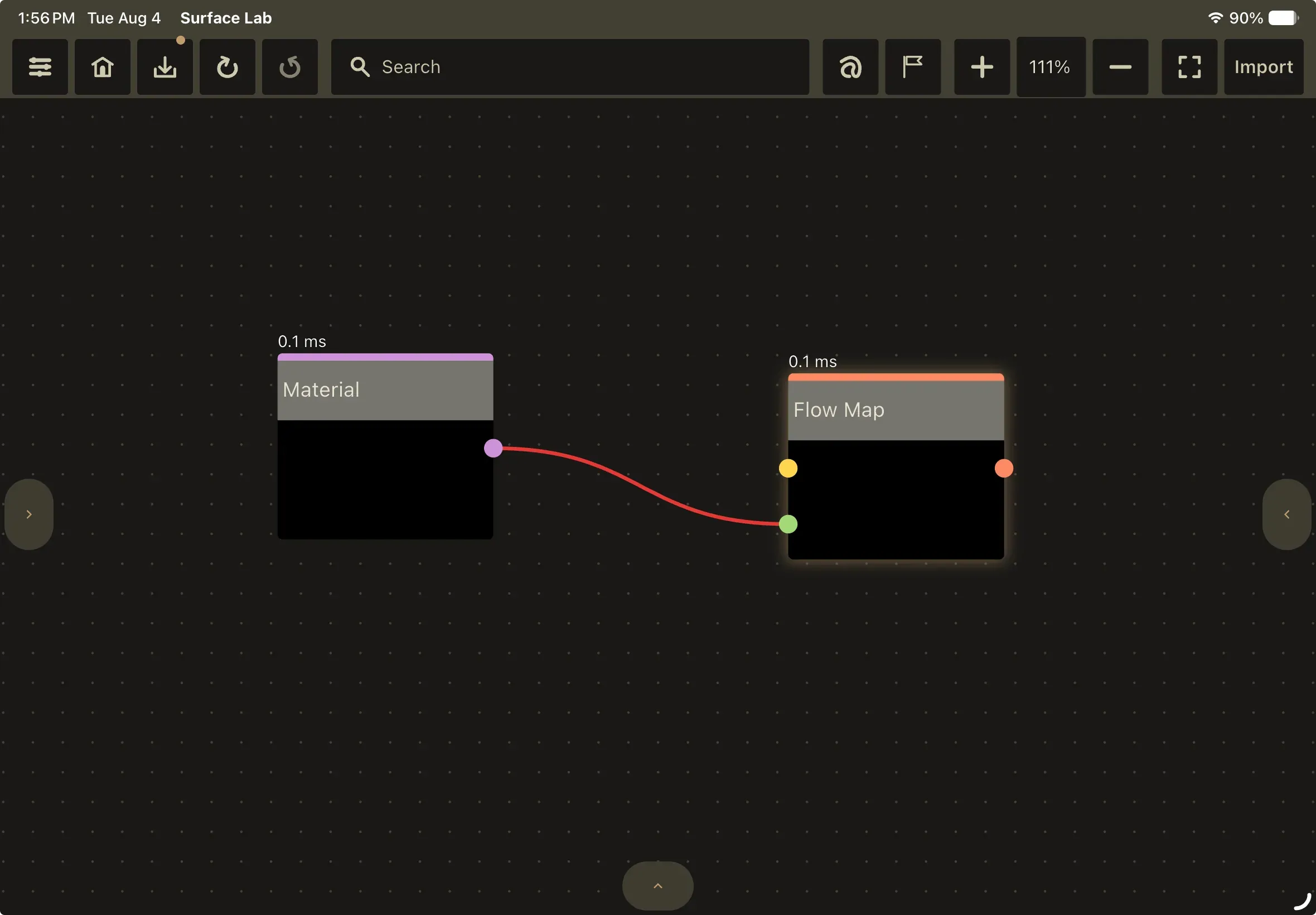
Reroutes
Section titled “Reroutes”A Reroute is a wiring-only pin. It bends a wire around the graph without changing what flows through it: no shader, no parameters, no processing. Downstream consumers, including export, a PBR Output’s Material input and Trim Sheet slot resolution, follow the chain straight through to the real source. Its single input is the unchecked Custom type, so it passes textures, materials and anything else unchanged, its output is exactly what came in, and a wire through a Reroute is never drawn red.
Insert one by double-tapping a wire, which splits the connection at that point: the upstream half becomes the reroute’s input and the downstream half becomes its output, all as a single undo step. On desktop you can also hover a wire and press the . key. It draws as a small circle rather than a node card.
A Reroute’s output is the one place the fan-out rule reads differently: starting a drag from it picks up the wire already leaving it rather than adding a second one, so you re-aim a reroute instead of branching from it.
The Reroute also appears in the node gallery under the Canvas category. Its reference entry is in the Node Reference.